Project details
Budget:
$590
Client:
Shelby S
Tool:
Figma
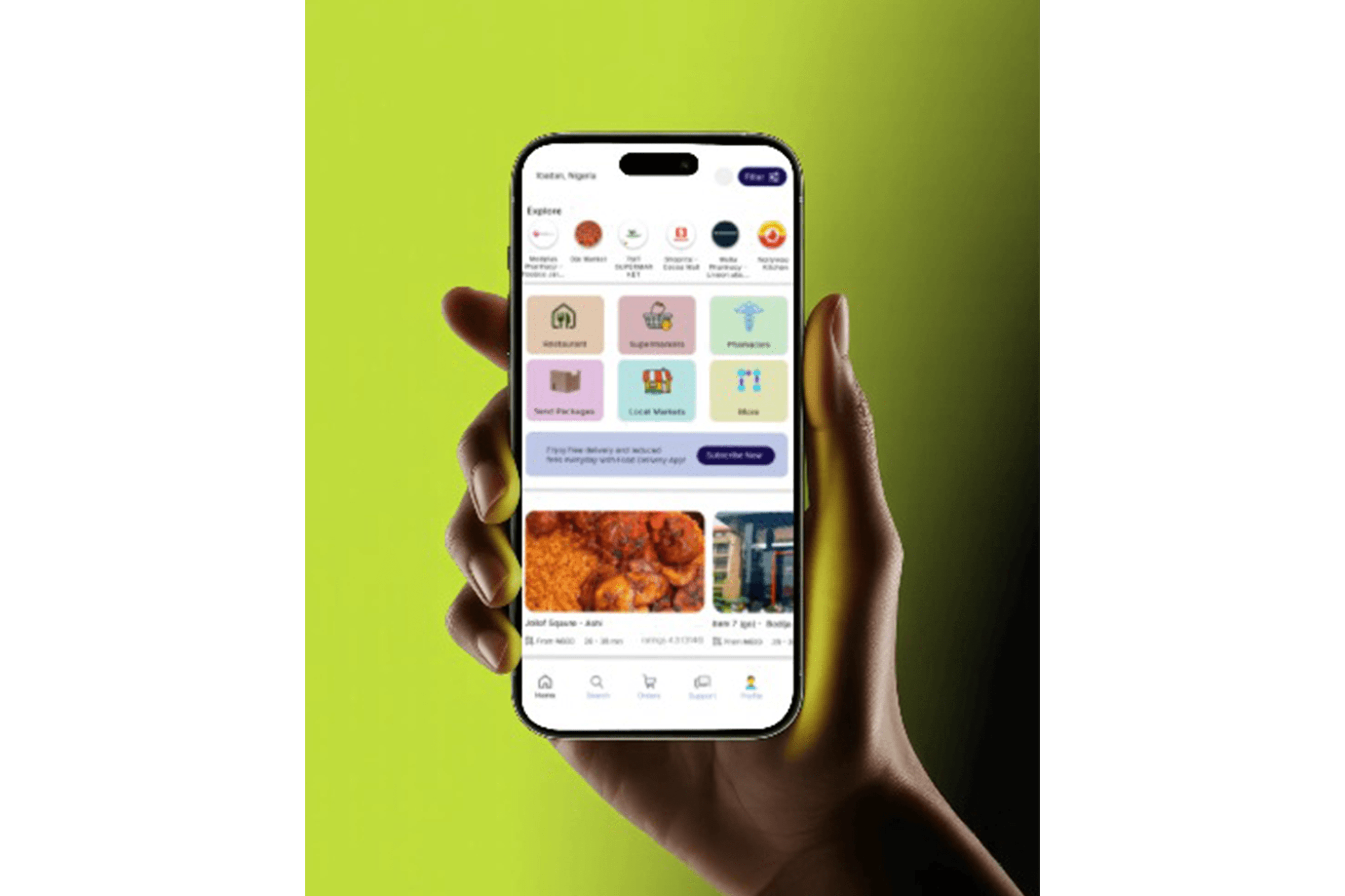
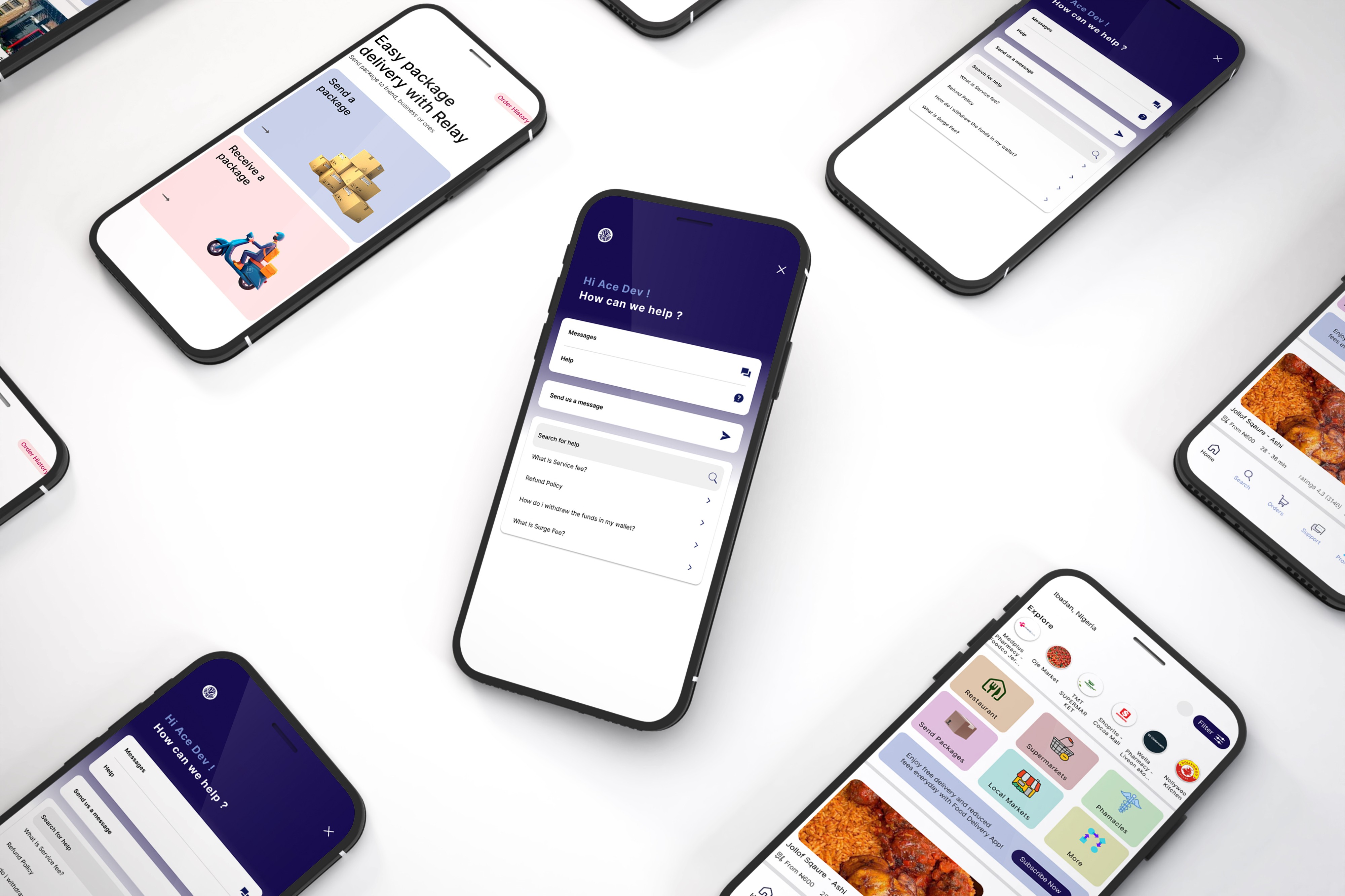
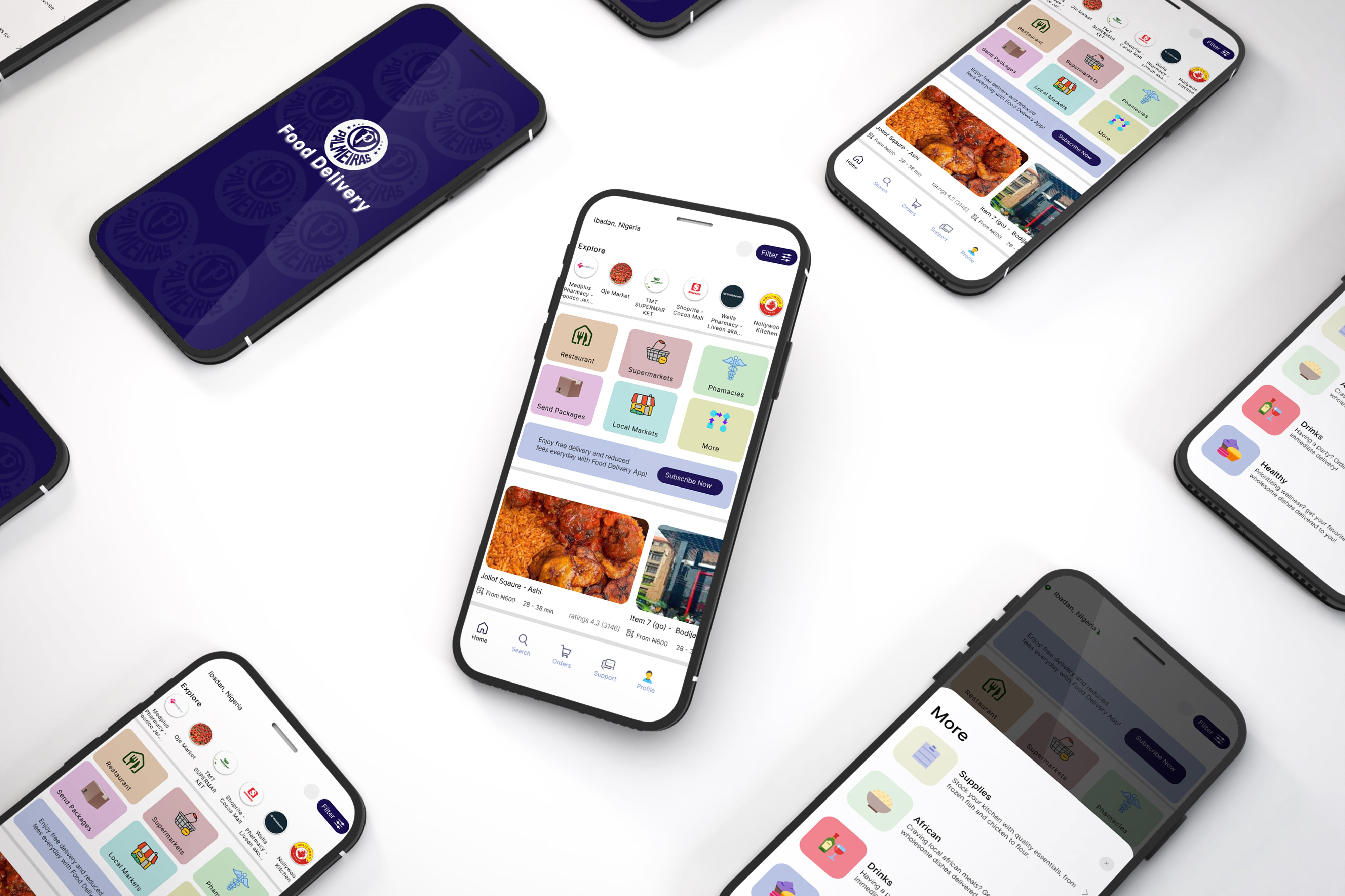
UI/UX Design for Food Delivery
UI UX design is about creating digital products that feel simple natural and enjoyable to use. It focuses on understanding people how they think what they need and how they interact with screens in their everyday lives. Instead of just making things look good UI UX design makes sure everything works smoothly and clearly for the user.
UI design handles the visual side such as colors typography buttons and layouts while UX design focuses on the overall experience from the first click to the final action. Together they help turn ideas into user friendly websites and apps that solve real problems and leave users feeling satisfied and confident.
UI Design Best Practices
• Consistency
Use the same buttons fonts and colors throughout the design to create a clean and unified look. A limited color palette and consistent typography help users feel comfortable and familiar.
• Clear Navigation
Menus buttons and links should be easy to spot and simple to use. Familiar icons clear labels and straightforward menus help users move around easily.
• Responsive Design
Design for all screen sizes so the experience feels smooth on desktop tablet and mobile. A mobile first approach is important as mobile usage keeps growing.
• Minimalism and Simplicity
Keep layouts clean and uncluttered by focusing only on essential elements. Removing distractions makes the design easier to understand.
• Visual Hierarchy
Use size color and placement to guide attention to important content. Make sure call to action buttons stand out clearly.
UX Design Best Practices
User-Centered Design
Prioritize the needs, preferences, and pain points of users when designing.
Conduct user research and use personas to guide decisions.
Fast Load Times
Slow websites are a major UX killer. Optimize images, scripts, and other assets for faster loading.
Aim for a load time of under 3 seconds.
Accessibility
Design for all users, including those with disabilities.
Implement keyboard navigation, screen reader compatibility, and color contrast for visibility.
Clear and Engaging Content
Use simple language and organize information in easily digestible sections.
Incorporate visual elements (images, videos) to break up text.
Testing and Iteration
Regularly test your design with real users (user testing, A/B testing).
Use feedback to iterate and improve your design.
• User Centered Design
Design with users in mind by focusing on their needs preferences and pain points. User research and personas help guide better design decisions.
• Fast Load Times
Speed matters for a good experience. Optimizing images scripts and assets helps pages load faster ideally in under three seconds.
• Accessibility
Create designs everyone can use including people with disabilities. Support keyboard navigation screen readers and proper color contrast for readability.
• Clear and Engaging Content
Use simple language and structure content so it is easy to scan and understand. Visual elements like images and videos help keep users engaged.
• Testing and Iteration
Test designs regularly with real users and compare variations through A B testing. Use feedback to refine and improve the experience over time.